

The digital ecosystem in Pakistan just achieved a new baseline for remote collaboration. WhatsApp Web group calls are now a reality, bridging the gap between mobile flexibility and desktop productivity. This architectural update allows users to initiate high-capacity voice and video calls directly from their browser, eliminating the need for standalone software installations. Consequently, this shift optimizes system efficiency for millions of professionals and students who rely on browser-centric workflows.
The Situation Room: Strategic Analysis
The Translation (Clear Context)
Previously, WhatsApp Web acted as a secondary mirror for messaging, while high-bandwidth tasks like group calling remained locked to mobile devices or dedicated desktop applications. This update establishes “Browser Parity.” By integrating WhatsApp Web group calls into the web client, Meta has calibrated the browser experience to handle complex, multi-user data streams. This ensures that the platform functions as a robust, independent communication terminal regardless of the operating system.
The Socio-Economic Impact
This development directly improves the daily lives of Pakistani citizens, particularly those in the academic and freelance sectors. Many Linux users and individuals with older hardware—who cannot run heavy desktop apps—now have access to 32-participant meetings. For households in rural Pakistan where mobile data might be the primary internet source, the ability to transition these calls to a larger laptop screen via a simple browser tab enhances the clarity and effectiveness of remote learning and professional consultations.
The “Forward Path” (Opinion)
This represents a Momentum Shift. By expanding the utility of the browser client, WhatsApp is transitioning from a simple messaging app into a comprehensive communication infrastructure. This move specifically stabilizes the digital workflow for the global workforce, positioning the browser as a primary hub for professional interaction.
How WhatsApp Web Group Calls Optimize Workflow
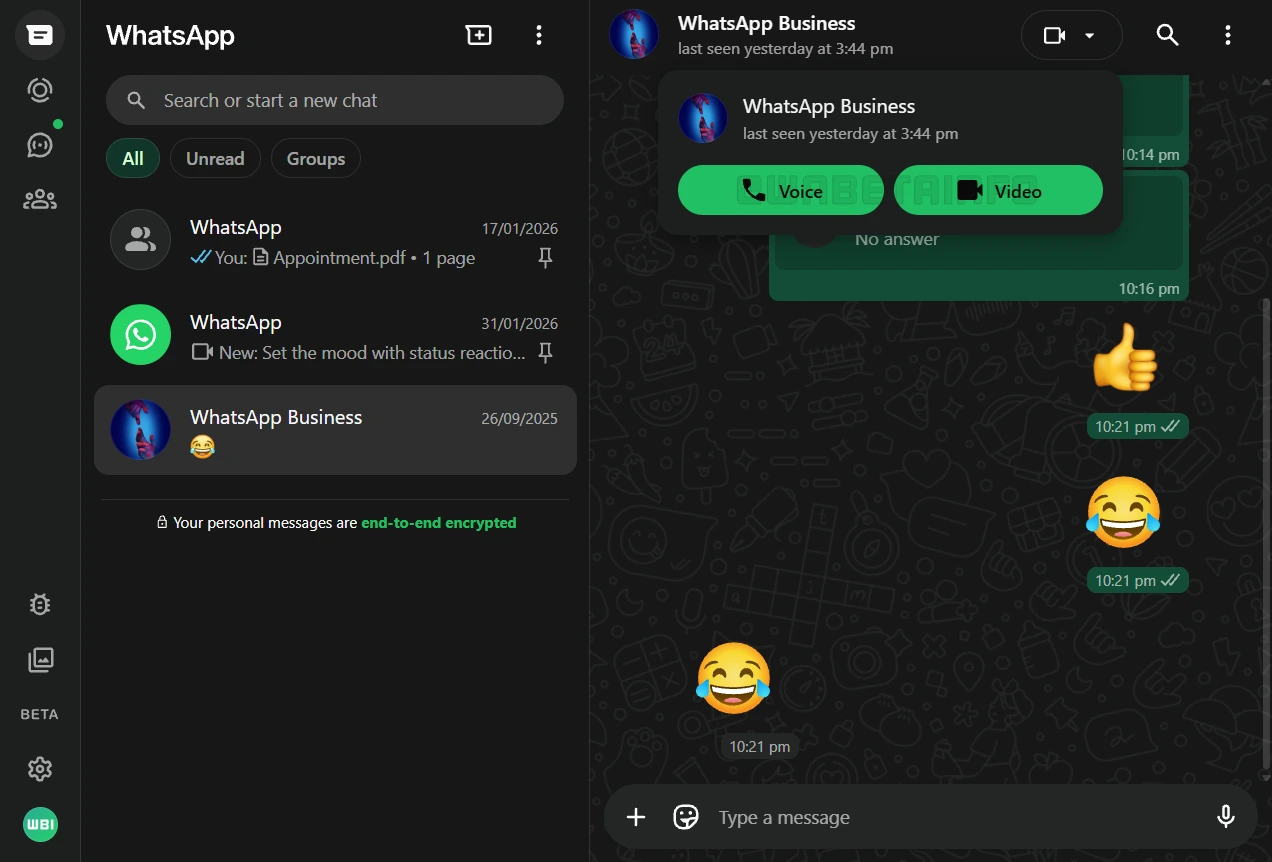
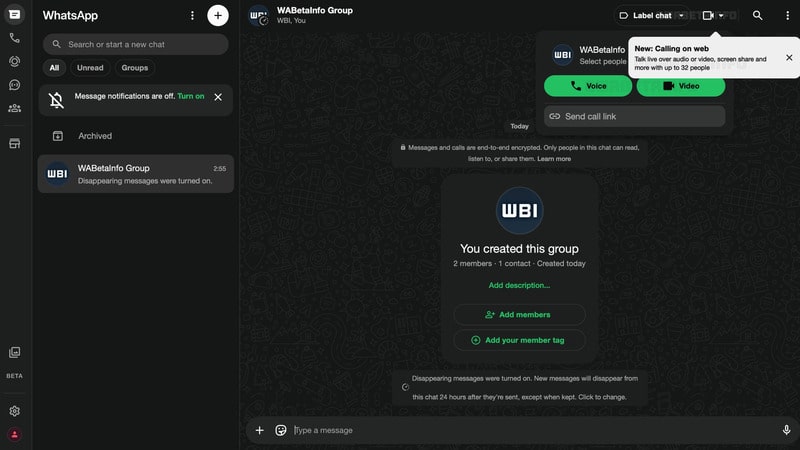
Initiating a call follows a precise logic. Users must simply navigate to a group chat and engage the call icon located at the header. Notably, the system allows for selective participant engagement; you can choose specific individuals from the group rather than triggering a broadcast to everyone. This precision prevents unnecessary disruptions in large group settings.
Encrypted Communication Infrastructure
Security remains a core structural component. Every session of WhatsApp Web group calls is protected by end-to-end encryption via the Signal protocol. This ensures that the data packets containing your voice or video remain inaccessible to external entities, including Meta. This security baseline is critical for Pakistani businesses handling sensitive intellectual property.
- Capacity: Supports up to 32 simultaneous participants.
- Screen Sharing: Available during video calls to facilitate document reviews and presentations.
- Call Links: Secure URLs that allow participants to join via a single click, expiring after 30 days of inactivity.

Digital Accessibility for Linux and Browser Users
The impact is most profound for the Linux community within Pakistan’s tech hubs. Since a native Linux app does not exist, these developers were previously forced to toggle between their PC and mobile device for group calls. Furthermore, users on shared or public workstations can now join encrypted meetings without the security risk of installing new software. This update serves as a catalyst for a more inclusive digital frontier.