The integrity of a digital workspace serves as the baseline for national productivity and system efficiency. Consequently, LG recently agreed to disable intrusive McAfee pop-ups integrated into its Monitor App Installer following strategic pressure from Microsoft. This development follows a wave of complaints from Windows 11 users who reported unwanted software appearing on their desktops without explicit authorization.
Structural Flaws in Driver Distribution and McAfee Pop-Ups
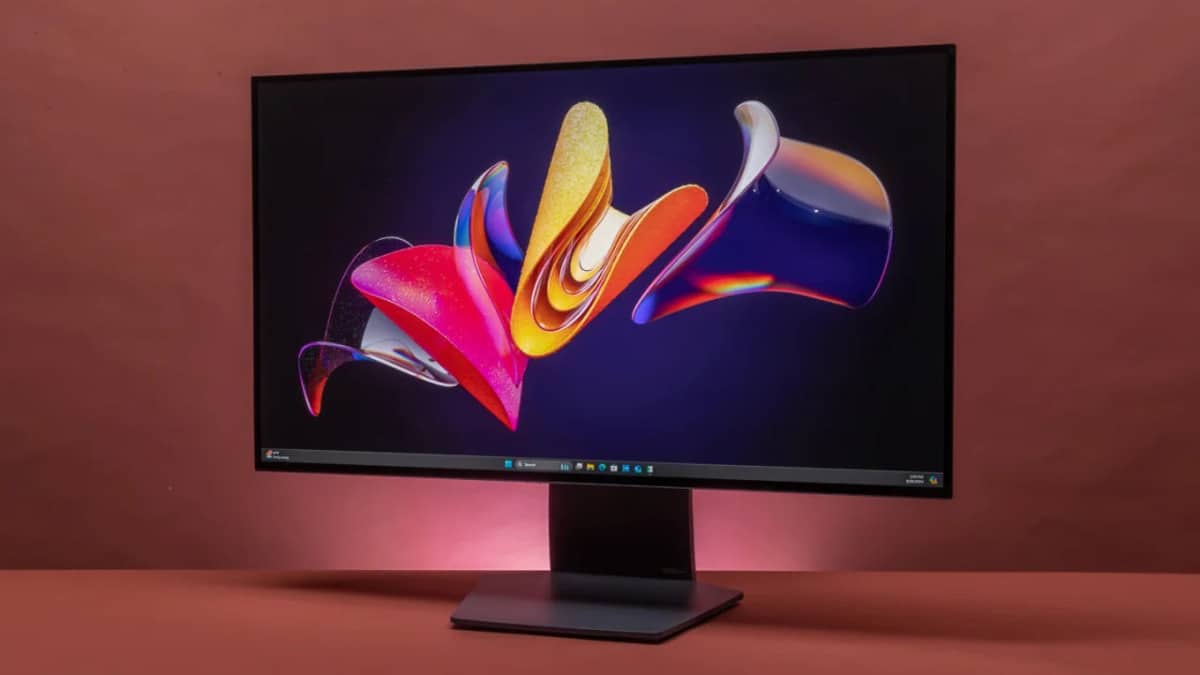
The controversy emerged when users discovered that connecting high-end LG monitors triggered the automatic installation of the LG Monitor App Installer. Specifically, Windows delivered this application through its official device-software distribution system, effectively bypassing the traditional user permission prompts. Furthermore, YouTuber Gamers Nexus demonstrated that these McAfee pop-ups appeared during 31 out of 32 system restarts, creating a persistent disruption for professionals and enthusiasts alike.

Although LG claimed the software was “optional,” the lack of a clear opt-out during the initial hardware connection raised significant privacy concerns. Microsoft’s Windows and Devices chief, Pavan Davuluri, confirmed that the company contacted LG to rectify the issue immediately. Consequently, LG has committed to removing the advertisement as a primary corrective step to restore consumer trust.
The Translation: Decoding the Bloatware Logic
In “Next Gen” clarity, this situation represents a breach of the “Quiet PC” principle. Hardware manufacturers often use “Service-as-a-Software” models to generate secondary revenue. By leveraging the Windows Update infrastructure—a system users trust for security—LG inserted promotional code (the McAfee pop-ups) into a utility meant for hardware calibration. This turns a vital system update into a delivery vehicle for third-party advertisements, effectively treating a $1,200 monitor as a billboard.
The Socio-Economic Impact: What This Means for Pakistan
For the growing population of Pakistani freelancers, software engineers, and digital creators, hardware reliability is a critical economic asset. When system resources are diverted by unoptimized McAfee pop-ups or background installers, billable hours and hardware longevity suffer. Moreover, in an environment where high-end hardware is a significant investment, Pakistani consumers deserve a “clean-slate” experience. This move ensures that local professionals are not burdened by “digital clutter” that degrades machine performance and increases cybersecurity anxiety.
The Forward Path: A Stabilization Move
We categorize this development as a Stabilization Move. While Microsoft’s intervention successfully neutralized a specific nuisance, it does not yet address the underlying structural vulnerability in how Windows handles “Companion Apps.” Until global hardware standards strictly decouple hardware drivers from promotional software, the system remains susceptible to similar incursions. However, the reduction in LG product prices and the removal of the advertisements demonstrate that consumer-driven data can force corporate recalibration.
How to Calibrate Your System: Removing the Installer
To ensure your system remains optimized, users should manually audit their installed software. Navigate to Settings > Apps > Installed apps and search for the “LG Monitor App Installer.” Selecting the uninstall option will terminate the promotional cycle. Precision in software management is the first step toward maintaining a high-performance digital environment.