

Microsoft is strategically integrating a new Windows 11 Xbox Mode into PCs and tablets, set to redefine the digital gaming landscape. This innovative “Xbox full screen experience” streamlines personal computing into a dedicated, controller-friendly gaming console interface, mirroring the efficient design ethos of platforms like Steam’s Big Picture Mode. Consequently, this architectural enhancement aims to elevate system efficiency and broaden access to high-performance entertainment for users across all segments of Pakistan’s digital frontier, starting next month.
Optimizing Digital Interaction: The Windows 11 Xbox Mode
The Translation: The “Xbox full screen experience” fundamentally transforms a standard Windows 11 PC or tablet into a console-like gaming hub. It is a calibrated software layer that provides a simplified, full-screen interface, making game navigation and launch highly intuitive. This mode effectively minimizes desktop distractions, creating a focused environment specifically for playing video games. Initially developed for dedicated gaming handhelds like the Asus ROG Ally X, Microsoft now expands its utility to all compatible Windows 11 devices, ensuring a uniform and accessible gaming ecosystem.
The Socio-Economic Impact: This innovation will significantly enhance the daily lives of Pakistani citizens, particularly students and young professionals. It lowers the barrier to entry for PC gaming, allowing individuals to leverage existing hardware for a premium gaming experience without investing in a separate console. Furthermore, it promotes digital literacy and engagement, offering a new avenue for leisure and skill development. For households, it means greater utility from a single device, consolidating entertainment platforms and optimizing expenditure on digital devices. The ease of access could also spur local game development and e-sports participation.
The “Forward Path”: This development represents a Momentum Shift for Pakistan’s digital infrastructure. It is not merely a maintenance update but a structural re-imagining of how PC gaming integrates with the Windows ecosystem. By enhancing accessibility and streamlining the user experience, Microsoft is acting as a catalyst for broader digital entertainment adoption, particularly valuable in emerging markets. This strategic move aligns with advancing digital equity and technical prowess.
Elevating User Experience: Controller-Centric Design
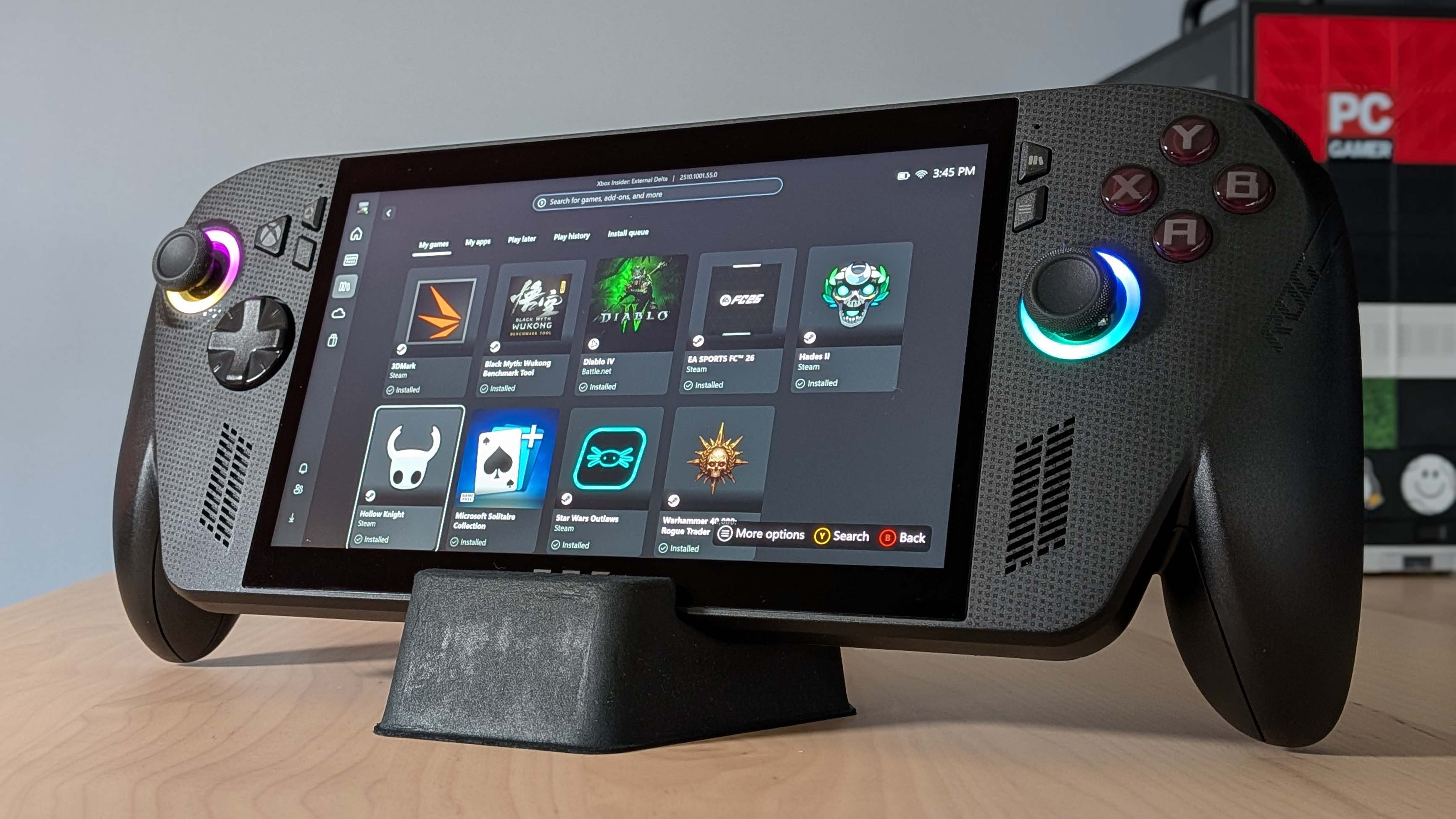
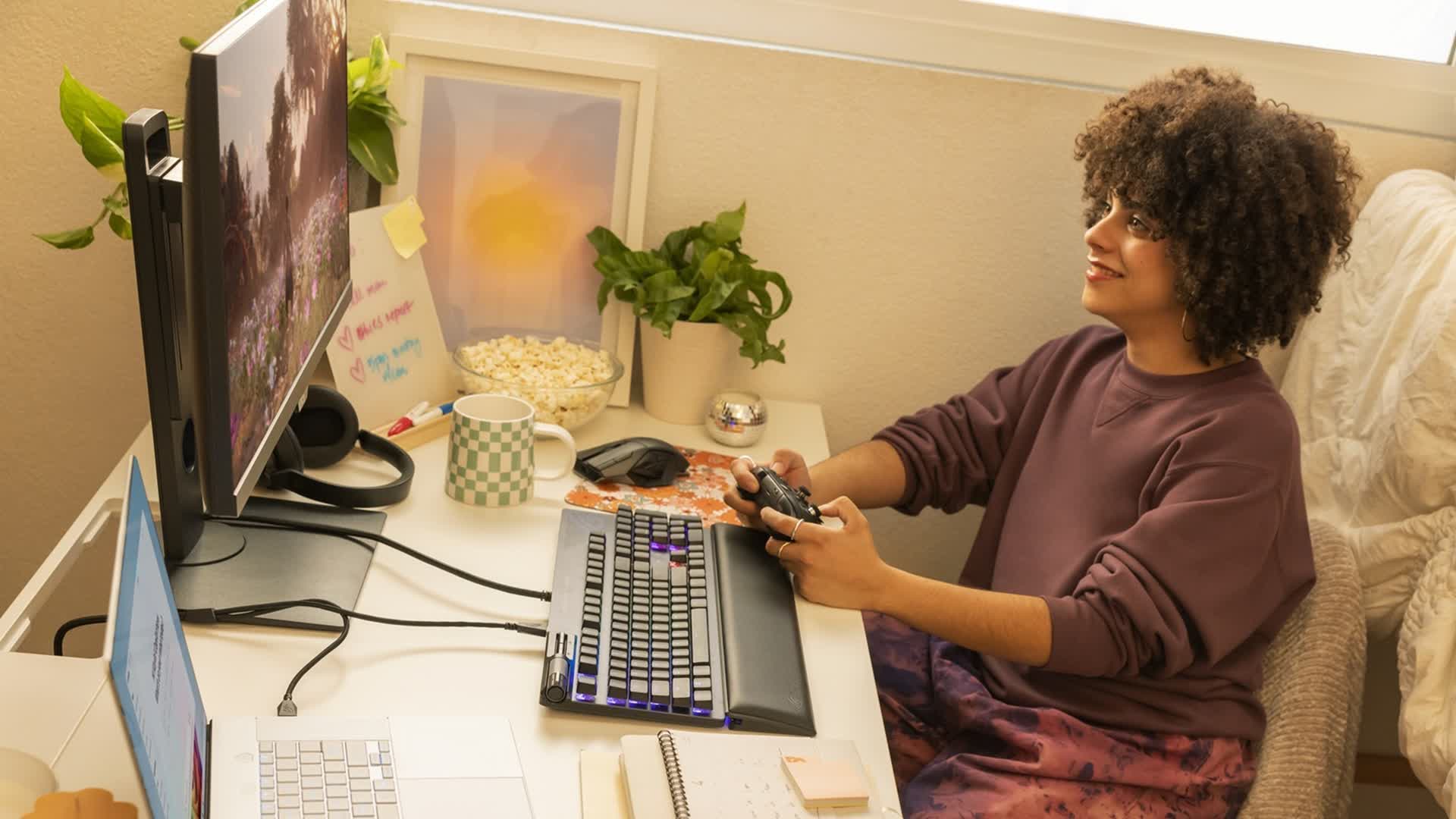
The core design principle behind the Windows 11 Xbox Mode prioritizes controller interaction. Initially conceived for portable gaming devices, its broader implementation now offers a highly convenient method for users to engage with their Windows PCs. Ian LeGrow, Microsoft’s Corporate Vice President for Windows and Devices, precisely articulated this vision. He confirmed that this mode empowers players to seamlessly enter a streamlined, full-screen gaming environment, ideal for immediate and immersive play sessions. This eliminates the need for keyboard and mouse, establishing a more relaxed and intuitive gaming posture.
Seamless Integration: Activating the Full-Screen Experience
Microsoft first deployed the Xbox full-screen experience to its beta testers through the Windows Insiders program in November, calibrating its functionality. Upon installing the necessary update, users can activate this feature with precise command inputs.
The procedural steps are as follows:
- Press the Windows key + G to open the Game Bar overlay.
- Navigate to Settings within the Game Bar.
- Enable the “Enter full screen experience” option.
Alternatively, the feature can be swiftly engaged using the Windows key + F11 shortcut, demonstrating efficient accessibility design. Once activated, the desktop transitions into an intuitive Xbox-style home screen. This interface meticulously curates both Xbox Game Pass titles and PC games from diverse platforms, including Valve’s Steam store, into a unified display.
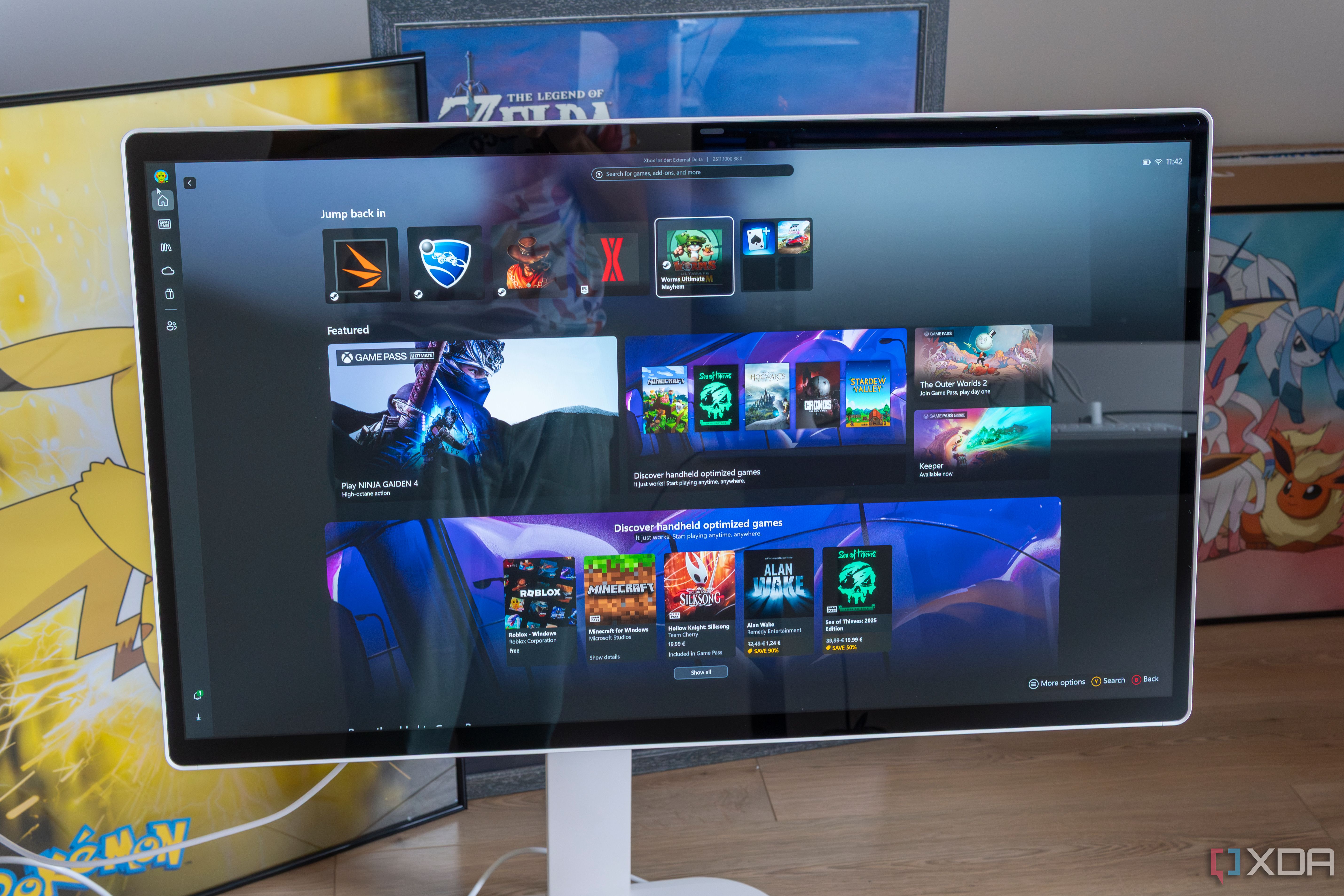
Users can navigate through games and applications using a controller, precisely launch titles, and seamlessly switch between multiple running games without system disruption. To exit the gaming interface and return to the standard desktop, users have several options: utilizing the Task View menu, disabling the mode directly from Game Bar settings, or simply pressing the Windows key. This ensures operational flexibility and user control. Initially, the Windows 11 Xbox Mode will strategically roll out in select markets, allowing for a controlled deployment and performance baseline.