

Pakistan is on the cusp of a significant digital transformation with the impending launch of 5G services. This strategic national upgrade necessitates that citizens can precisely verify 5G compatibility for their existing mobile devices. Understanding your phone’s readiness is crucial for leveraging the next-generation cellular network, expected to commence its rollout in major cities around Eid al-Fitr. This guide provides a calibrated approach to ensure your device aligns with these advanced communication protocols, distinguishing between mere hardware capability and full operational readiness.
Structural Assessment: Verifying Your Device’s 5G Compatibility
The Translation: Decoding 5G Readiness
A device’s stated 5G capability is merely a baseline. True operational functionality necessitates a precise alignment with specific regional frequency bands and the installation of updated software. Consequently, discerning whether your smartphone can effectively integrate with the upcoming network goes beyond a simple marketing label. This structural alignment ensures optimal network integration and maximizes your access to next-generation services.
The Socio-Economic Impact: Empowering Digital Access
With 5G poised for rollout, individuals must critically understand their device’s readiness. This directly impacts access to high-speed data, which is increasingly crucial for remote education, digital entrepreneurship, and smart home integration across both urban and rural Pakistan. Therefore, the ability to accurately verify 5G compatibility is not just a technicality; it directly underpins economic opportunity and enhances national digital inclusion.
The Forward Path: A Momentum Shift for Connectivity
The imperative to verify 5G compatibility represents a significant “Momentum Shift” for Pakistan’s digital infrastructure. This proactive preparation readies the populace for a substantial infrastructural leap, acting as a catalyst for innovation and enhancing national digital literacy. It signifies a strategic move to propel national advancement, rather than simply a stabilization effort to maintain existing service levels.
Calibrated Methods to Verify 5G Phone Support
Method 1: Direct Network Settings Configuration
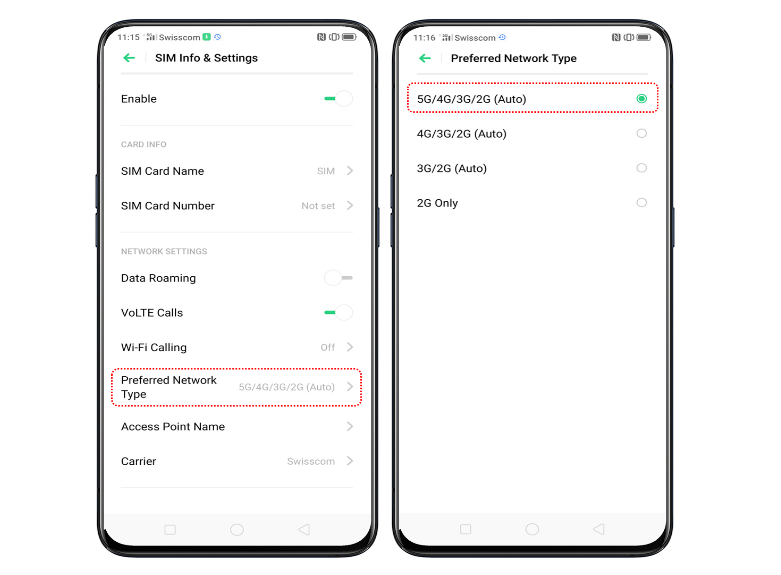
The most straightforward approach to confirm 5G support involves accessing your phone’s intrinsic network settings. Initially, navigate to your device’s Settings menu. Subsequently, select the Network & Internet or Connections option. From there, proceed to Mobile Network. Finally, locate the Preferred Network Type or Network Mode menu. If selections such as 5G / 4G / 3G or 5G Auto / 5G Only are visible, your phone definitively supports 5G connectivity. Conversely, if only 4G/LTE or lower options are present, the device lacks 5G capability.
Method 2: Online Specification Cross-Referencing

Should direct settings prove inconclusive, cross-referencing your phone’s specifications online offers a robust verification method. Begin by accessing Settings > About Phone to identify your precise model name or number. Subsequently, initiate an online search using this identifier, for example, “Samsung Galaxy A32 specs.” Consult the official brand website or trusted technology portals, such as GSMArena or ProPakistani’s ProPrice, for authoritative data. If 5G is explicitly listed under network support, your hardware is compatible, even if the service is not yet active.
Method 3: IMEI Compatibility Diagnostics
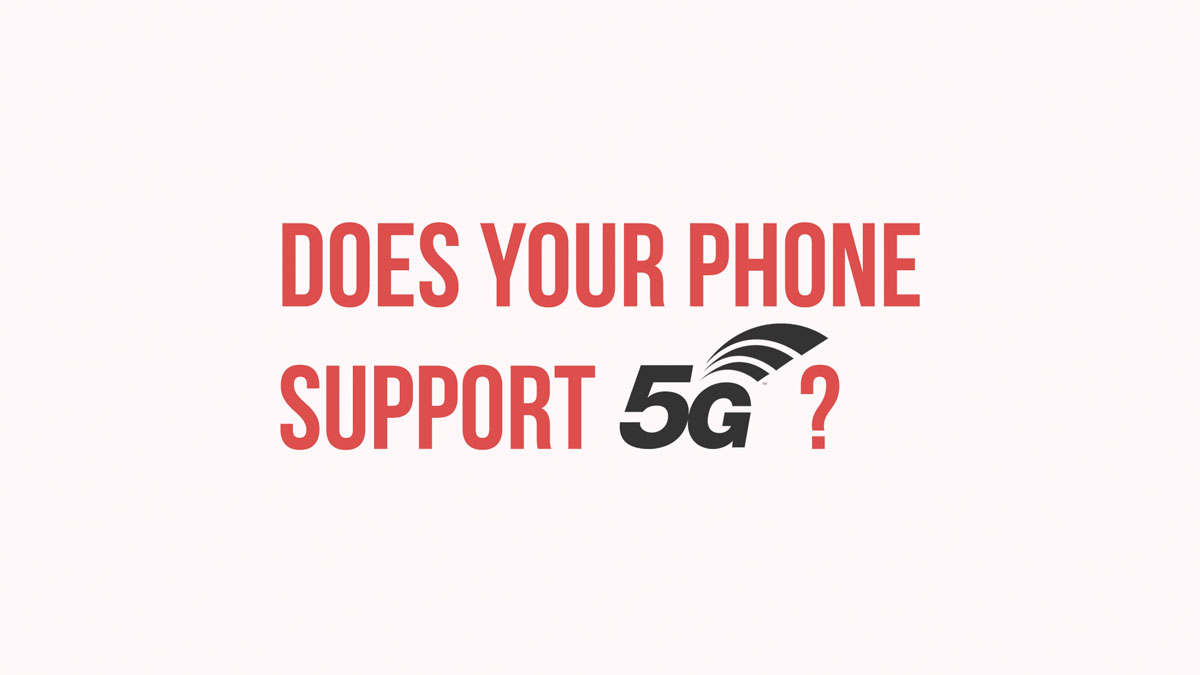
Every mobile device possesses a unique International Mobile Equipment Identity (IMEI) number, which facilitates precise compatibility diagnostics with network carriers. To retrieve your IMEI, dial *#06# on your phone, or alternatively, navigate to Settings > About Phone and search for “IMEI.” With this number, input it into a specialized online service like IMEI Info. This method is exceptionally valuable for ascertaining not only general 5G hardware support but also specific compatibility with the frequency bands utilized by your local service provider, ensuring granular readiness.
Method 4: Visual Confirmation via 5G Status Icon
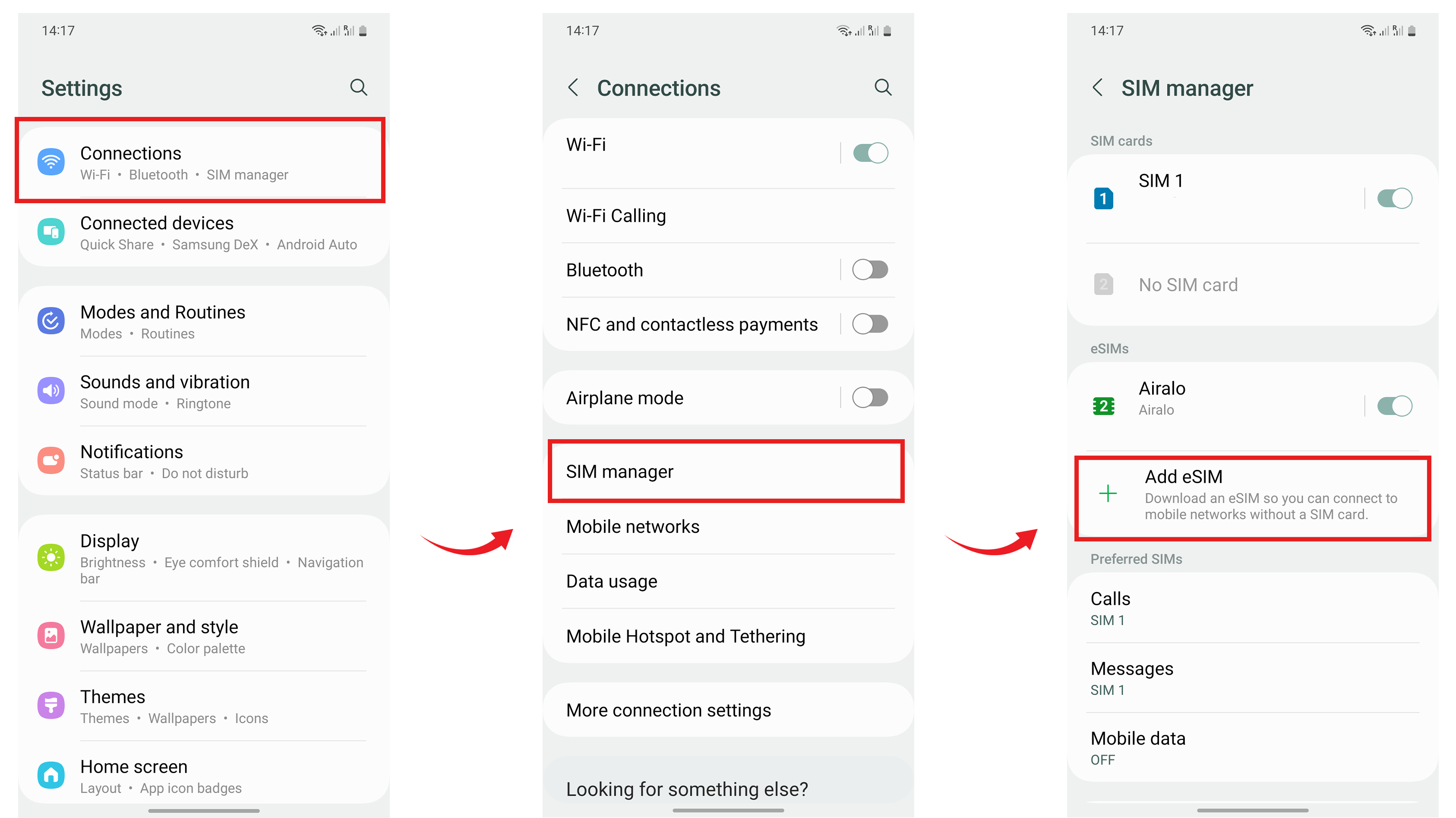
In regions with active 5G coverage, a direct visual cue can signify your phone’s connection. If your device is 5G-enabled and within a service area, a “5G” symbol will typically appear in the status bar. Certain phone models, such as the Vivo V60, display this icon even without active mobile data. However, the absence of this icon does not definitively negate 5G compatibility. It could merely indicate a lack of current 5G coverage, disabled 5G settings, or specific network restrictions.
Method 5: Critical Assessment of Supported 5G Frequency Bands
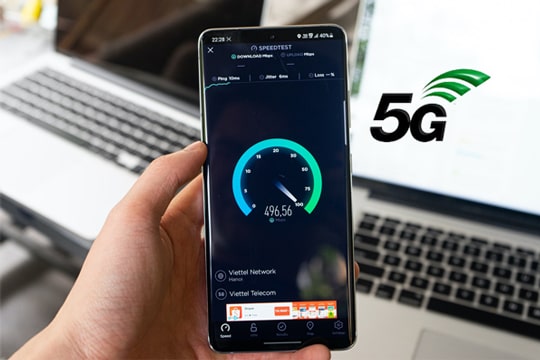
It is imperative to recognize that universal 5G compatibility does not exist across all devices and networks. Your phone must precisely support the frequency bands allocated for 5G services in Pakistan. Diverse countries employ distinct 5G bands; consequently, a device lacking these specific bands may not achieve 5G functionality, irrespective of its declared 5G enablement. Verifying these bands requires consulting official device specifications, trusted technology review sites like GSMArena, or the manufacturer’s product pages for accurate data.
Method 6: Essential Software Update Protocol

Occasionally, 5G functionality is strategically disabled by manufacturers until a mandatory software update is installed. To ensure optimal device performance and access to new network capabilities, navigate to Settings > Software Update and install the latest available version. In rare instances, manufacturers may incrementally enable 5G support through subsequent updates, often contingent upon specific network infrastructure deployments. This proactive measure ensures your device is structurally ready for advanced connectivity protocols.