
The architectural integrity of our digital ecosystems depends on consistent, iterative optimization. Microsoft recently deployed the July 2026 Windows 11 Update, a strategic release calibrated to enhance system security and operational efficiency. This update, documented as KB5101650 for versions 24H2 and 25H2, integrates critical security patches with structural refinements designed to reduce system downtime and improve the user interface.
Precision Control: Strategic Update Management
System administrators and power users now have access to a sophisticated calendar-style pause control. This feature allows users to select a specific end date for pausing updates for a duration of up to 35 days. Consequently, users can align system maintenance with their specific workflow requirements. While this mechanism does not permanently disable the Windows 11 Update, it provides the tactical flexibility needed to avoid interruptions during high-stakes projects.
System Resilience: Point-in-Time Restore Protocols
Microsoft has introduced the “Point-in-Time Restore” feature to fortify system reliability. This protocol enables a seamless rollback of the operating system to a recent automatic restore point, encompassing apps, settings, and personal files. By implementing this safeguard, Microsoft aims to minimize technical friction during troubleshooting. Consequently, if a system change results in instability, the user can restore the baseline configuration with minimal data loss.
Optimized Interface: Streamlining the User Workspace
The update refines the Widgets experience to eliminate intrusive distractions. By default, the Widgets panel no longer activates on hover, preventing accidental triggers during focused tasks. Additionally, Microsoft reduced the frequency of taskbar badges and notifications. These adjustments prioritize a clean workspace while maintaining the visual quality and responsiveness of the dashboard for intentional interactions.
Inclusive Design: Calibrated Accessibility Enhancements
Accessibility remains a core pillar of the Windows 11 Update architecture. A new “Screen Tint” feature allows for a full-screen color overlay, which effectively reduces ocular strain. Users can customize intensity levels or automate the tint based on environmental lighting. Furthermore, the Magnifier tool now offers precision zoom controls, allowing users to input exact percentages directly from the interface bar without navigating through multiple setting menus.
Structural Efficiency: File Explorer Performance

File Explorer received a significant performance calibration to increase launch speeds and responsiveness. Specifically, the system now handles disk image mounting more efficiently. The address bar architecture has also been updated to support paths containing double backslashes and quotation marks. These technical fixes address long-standing usability bottlenecks, ensuring a smoother file management experience for professional users.
Hardware Synergy: AI Models and Connectivity
For high-performance hardware, the update introduces a major catalyst for local AI development. On PCs with over 32GB of RAM, the graphics kernel memory-management policy has been recalibrated. This allows larger local AI models to operate with higher efficiency. Simultaneously, Bluetooth reliability has been synchronized with the audio mixer, ensuring that microphone mute status remains consistent across professional-grade peripherals like AirPods and Beats Studio Pro.
System Stabilization: Security and Hardware Compatibility
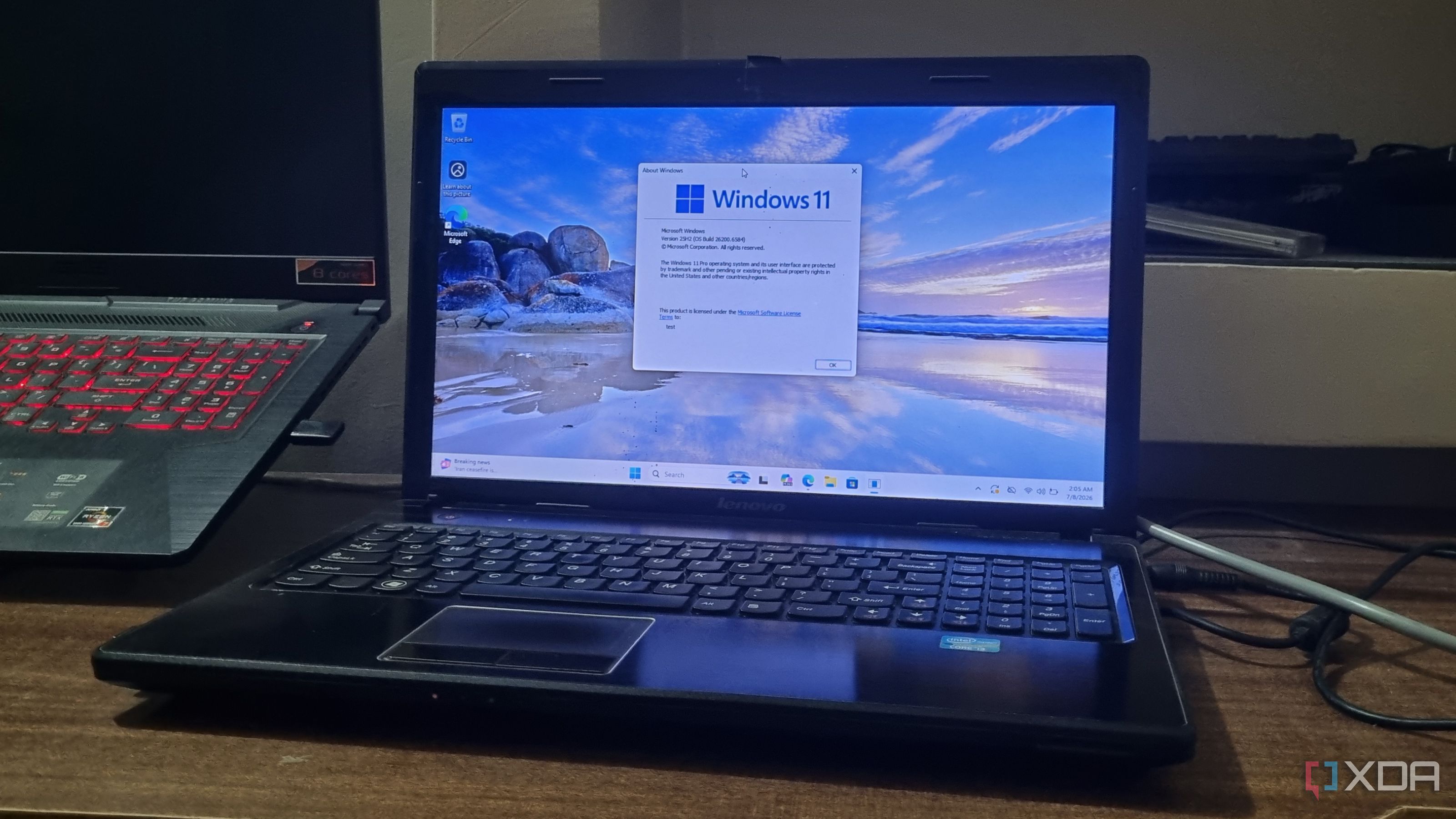
This Patch Tuesday release represents one of the largest security deployments in recent history, addressing over 570 vulnerabilities. However, Microsoft has identified a temporary incompatibility with certain Dell devices utilizing Intel processors. Consequently, the update may be restricted on affected models to prevent thermal instability or battery drain. Users can verify their update status via the standard Windows Update menu to ensure their hardware is ready for these structural changes.
The Translation
This update is less about cosmetic changes and more about “System Hardening.” By introducing Point-in-Time Restore and localized AI memory management, Microsoft is turning the PC into a more resilient, self-healing workstation. They are shifting from a “Cloud-First” approach to a “Hybrid-Local” model where your hardware can handle complex AI tasks and recovery protocols without needing a constant server handshake.
The Socio-Economic Impact
For the Pakistani workforce—especially those in areas with fluctuating power grids—the “Restore” feature is a vital safety net. It protects productivity from system corruption during unexpected shutdowns. Furthermore, the support for larger local AI models on high-RAM systems empowers our local tech startups to build and test AI solutions locally, reducing their reliance on expensive, high-latency cloud subscriptions.
The Forward Path: Momentum Shift
We categorize this Windows 11 Update as a Momentum Shift. While Patch Tuesdays are usually maintenance-focused, the inclusion of local AI memory optimization and the expansion of Voice Typing via Copilot+ architecture signals a clear move toward a more intelligent, hardware-aware OS. This isn’t just a fix; it is an upgrade to the fundamental way our machines process intelligence and recover from failure.