
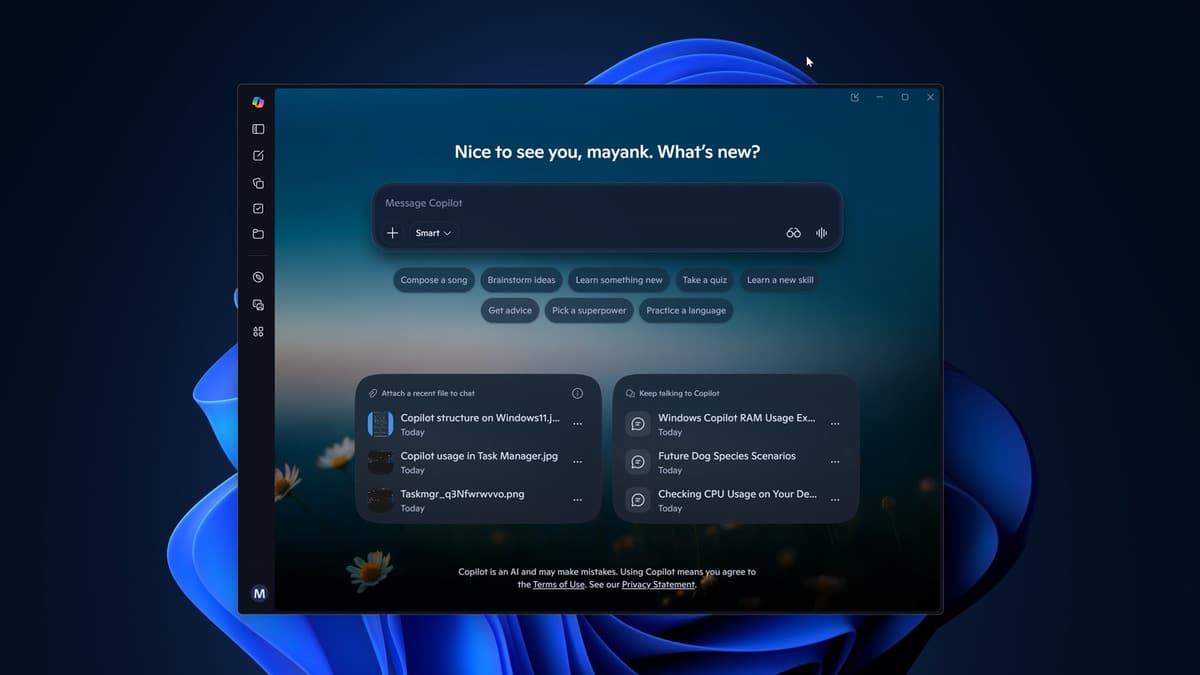
Microsoft is currently deploying an experimental Windows 11 Copilot feature designed to translate complex system telemetry into actionable insights. Consequently, users can now query the AI about hardware bottlenecks and resource distribution through a simplified interface. While this provides a high-precision look at system health, early testing reveals that the application itself demands a significant RAM baseline to operate.
Calibrating System Awareness with PC Insights
The new “PC Insights” module allows the Windows 11 Copilot to access the computer\’s current state in real-time. Instead of providing generic advice, the AI retrieves specific data regarding CPU load, battery health, and storage availability. This structural shift eliminates the need for users to navigate technical layers like the BIOS or Task Manager to understand their hardware capacity.
Furthermore, the tool supports strategic planning for high-load tasks. For instance, a user can ask if their remaining storage accommodates a 100GB software installation. Copilot cross-references local hardware data with online requirements to provide a precise compatibility report. However, Microsoft maintains that the feature is experimental and may occasionally provide incomplete telemetry.
The Technical Paradox of Resource Consumption
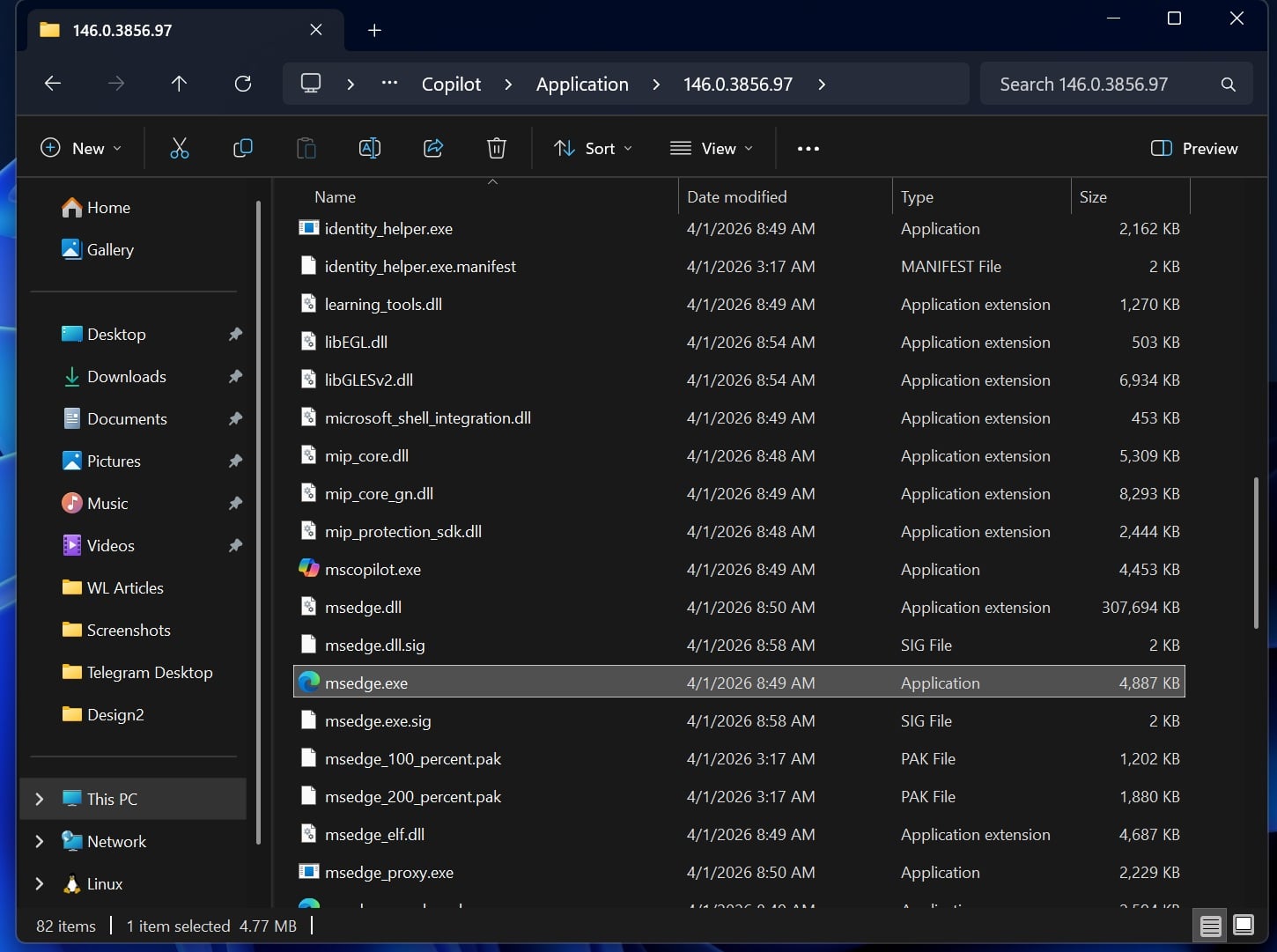
While the AI aims to optimize efficiency, recent benchmarks indicate a notable resource trade-off. Analysts at Windows Latest observed the Windows 11 Copilot consuming nearly 1GB of RAM during idle sessions. This high memory footprint stems from the app\’s architecture, which integrates a dedicated instance of the Microsoft Edge browser to support its web-based functions.
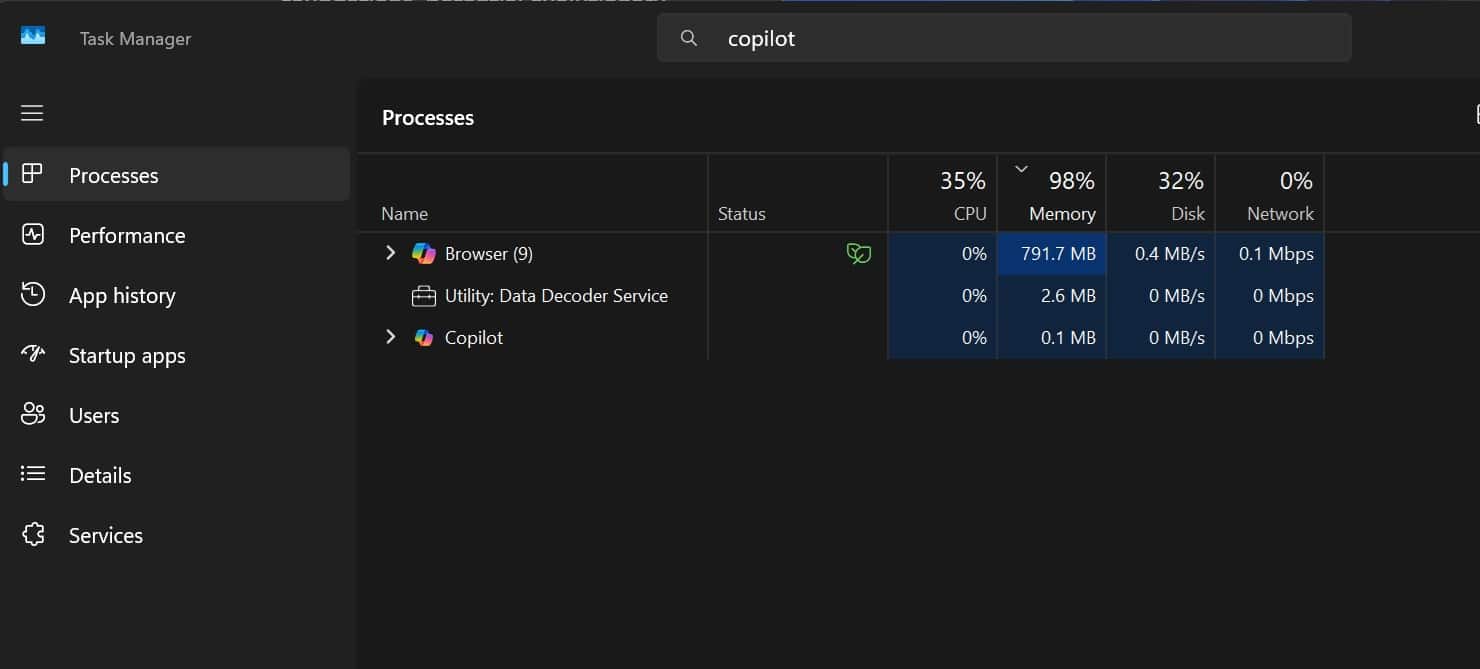
Consequently, the very tool designed to identify performance lags may contribute to system strain on devices with limited memory. Microsoft requires explicit user permission before the AI accesses any system information. Users can grant session-based or permanent access, ensuring that privacy remains a calibrated priority within the digital ecosystem.
The Situation Room Analysis
The Translation
Think of PC Insights as a natural language bridge for the Task Manager. It converts raw, technical numbers into conversational logic. Instead of reading a 90% CPU spike as a graph, you can simply ask the Windows 11 Copilot why the system feels slow. It identifies the “why” behind the “what,” though it currently lacks the authority to execute fixes or modify system settings autonomously.
The Socio-Economic Impact
For the average Pakistani professional or student, hardware longevity is critical. Many users in our region operate on mid-range laptops where RAM management is a daily struggle. While the insights are valuable for troubleshooting, the 1GB RAM overhead may render this tool counterproductive for older machines. It creates a digital divide where only high-spec hardware can comfortably run the diagnostic “solution.”
The Forward Path
We categorize this development as a Stabilization Move. Microsoft is consolidating its AI and browser technologies to create a unified diagnostic experience. However, until the resource footprint is calibrated for efficiency, it remains a luxury feature. We expect future iterations to optimize the Chromium-based backend to reduce the memory baseline for broader accessibility.