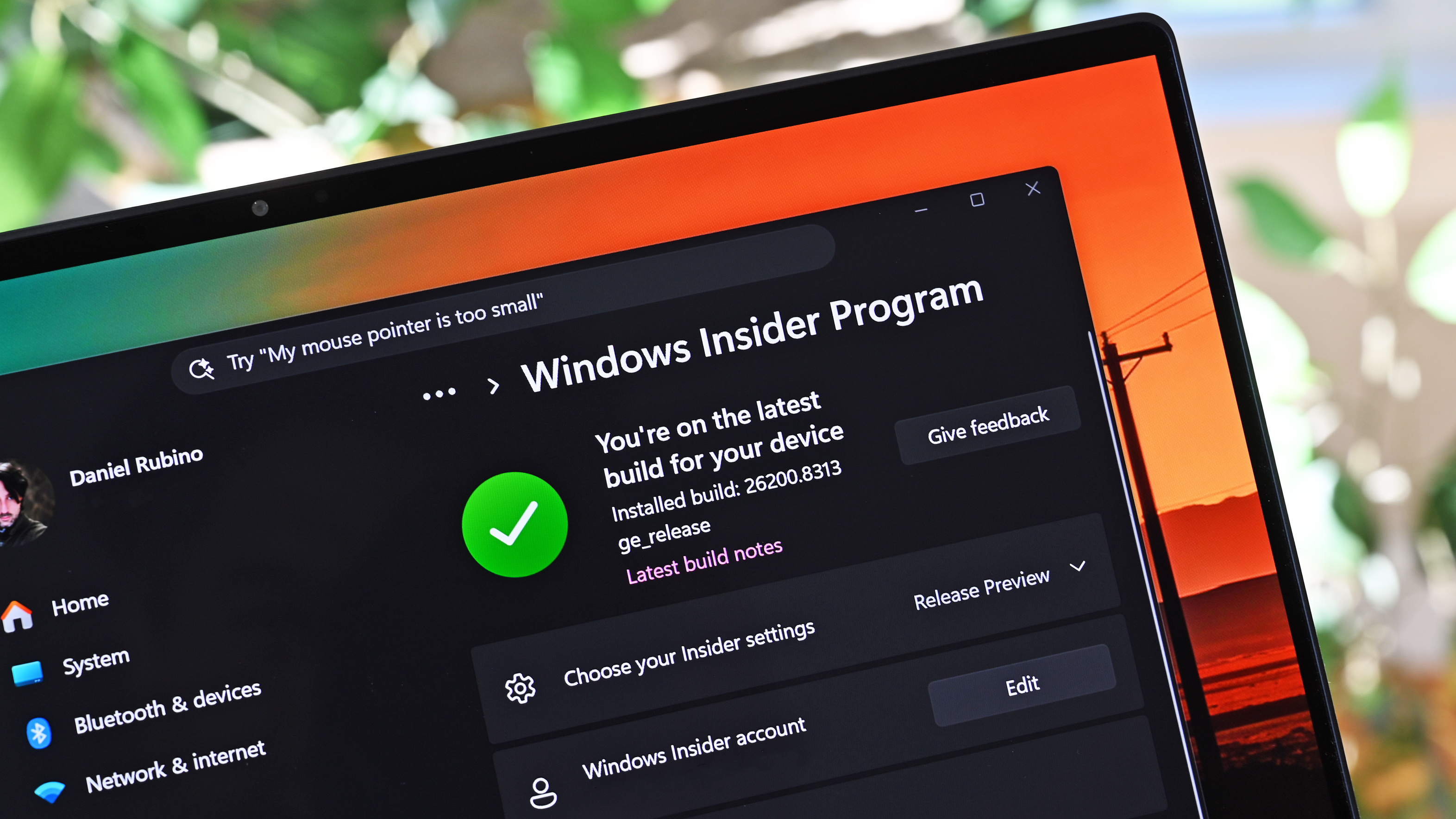

Microsoft is fundamentally recalibrating its Windows 11 update strategy by prioritizing engineering precision over rigid internal product cycles. Following extensive engagement with Windows Insiders, the company is now integrating structural refinements to ensure the operating system serves as a catalyst for productivity. This strategic pivot highlights a move toward a feedback-driven development model that addresses long-standing user friction. Consequently, the upcoming iterations will focus on system stability, reliability, and the restoration of legacy functionalities requested by the community.
Recalibrating the Windows 11 Update Roadmap
During a recent technical summit in Seattle, Pavan Davuluri, Lead of the Windows Group, confirmed that future development will be dictated by precise user feedback. This architectural shift marks a departure from top-down design toward a collaborative engineering ecosystem. The team has spent the last fiscal quarter analyzing tester data to establish a baseline for the next major Windows 11 update phase. Furthermore, Microsoft engineers are now focused on eliminating redundant UI layers that have historically hindered performance.
Strategic Feature Integration
Technical reports indicate that several highly requested features are currently in the precision testing phase. One significant development is the return of the movable taskbar, a feature that has remained a top priority for professional users. Additionally, Microsoft is redesigning the out-of-box experience (OOBE) to reduce intrusive upsell prompts. This strategic streamlining will also encompass:
- Movable Taskbar: Enhanced flexibility for multi-monitor setups and professional workflows.
- Legacy UI Redesign: Modernizing the installation screen and control interfaces for a unified aesthetic.
- Virtual Desktop Expansion: Advanced customization options for power users and developers.
- Update Efficiency: A reduction in mandatory system reboots during critical security patches.

The Translation (Clear Context)
In technical terms, Microsoft is transitioning from a “feature-push” model to a “stability-pull” framework. This means that instead of introducing unrequested aesthetic changes, engineers are focusing on the Windows 11 update architecture to fix core navigation issues. For the average user, this translates to a system that feels lighter, faster, and more intuitive. The focus on “ease of use” and “reliability” signifies that Microsoft is finally treating the operating system as a tool rather than a billboard for services.

The Socio-Economic Impact
For the Pakistani workforce, particularly those in the remote IT sector and academia, this development is a critical efficiency catalyst. Increased system reliability directly reduces technical downtime, which is vital in regions where hardware resources are maximized. When Microsoft optimizes for performance and fewer reboots, it benefits households and small businesses relying on older hardware. Therefore, these updates empower local developers and students by providing a more stable environment for digital entrepreneurship and learning.

The Forward Path (Opinion)
This development represents a definitive Momentum Shift in Microsoft’s software philosophy. By acknowledging the necessity of a movable taskbar and a cleaner interface, Microsoft is demonstrating a strategic humility that has been missing since the launch of Windows 11. While these changes are remedial, they establish a more sustainable baseline for the 2026 roadmap. Consequently, this shift will likely restore trust within the power-user community and stabilize the platform’s long-term viability in the global market.